RL

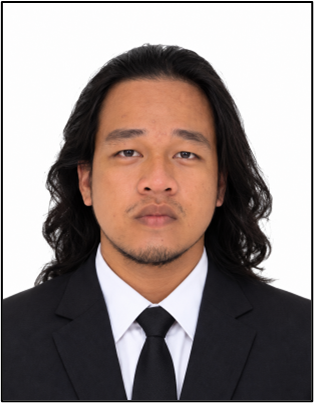
Rodel Lobendino
Project Manager / Programmer & Developer

Request your official school documents online, schedule an appointment with the Registrar's Office, and visit the campus on your scheduled time. The Registrar will assess your request, provide a route sheet for the requirements you need to complete, and notify you via email and SMS when your documents are ready for claiming.
How to Register/create an Account
A straightforward step-by-step process from request to claiming your documents.
Fill out the online form with your details and select the documents you need from the Registrar's Office.
Choose a convenient date and time to visit the Registrar's Office on campus for assessment and processing.
On your appointment date, visit the Registrar's Office. The Registrar will assess your request and issue a route sheet with the requirements you need to complete.
Follow the route sheet and complete all the requirements and signatories needed within the campus. Return the accomplished form to the Registrar.
Receive an email and SMS notification when your documents are ready. Claim them in person at the Registrar's Office, or send an authorized representative with an authorization letter and a photocopy of your ID.
After you complete your route sheet and submit it to the Registrar, your requested documents will be processed. You may receive them on the same day, or you will be notified via email and SMS when they are ready for claiming at the Registrar's Office.
Authorization Policy: If you are unable to claim your document in person, your representative must present an authorization letter signed by you and a photocopy of your valid ID.
Create an account, submit your request, and schedule your appointment today.
The people behind AppointList.